Is Your Marketing Scaring Off Customers? 5 Fixes for Trades Businesses
Halloween is for scaring people on purpose. Your marketing should not do it by accident. Here are five mistakes that can quietly cost a trades business calls, and how to fix each one before the busy season.
Halloween is Saturday. It is the one night of the year when scaring people is the point. The rest of the year, the scares in a trades business are quieter: a call that rings out, a Google listing with last year's hours, a page of reviews nobody answered. A customer runs into one of them, gets nervous, and calls the next company on the list.
For a lot of trades, the winter rush is close. Here are five mistakes worth fixing before the phones get busy.
1. Ghost Leads: Calls and Forms Nobody Answers
A homeowner with a problem may contact more than one company. If your phone rings out and your voicemail is full, or your website form sends messages to an inbox nobody checks, that job can go to whoever gets back to them first.
The fix:
• Call your own business number from a cell phone, during work hours and after hours. Listen to what a customer hears.
• Record a voicemail greeting that gives your hours and says when you will call back, then keep that promise.
• If you take emergency calls, check that after-hours calls forward to whoever is on call.
• Fill in your own website form and make sure the message lands in an inbox someone checks every day, not in spam.
• Make your phone number a tap-to-call link on every page, so a visitor on a phone can call with one tap.
2. The Zombie Listing: A Google Business Profile Nobody Updates
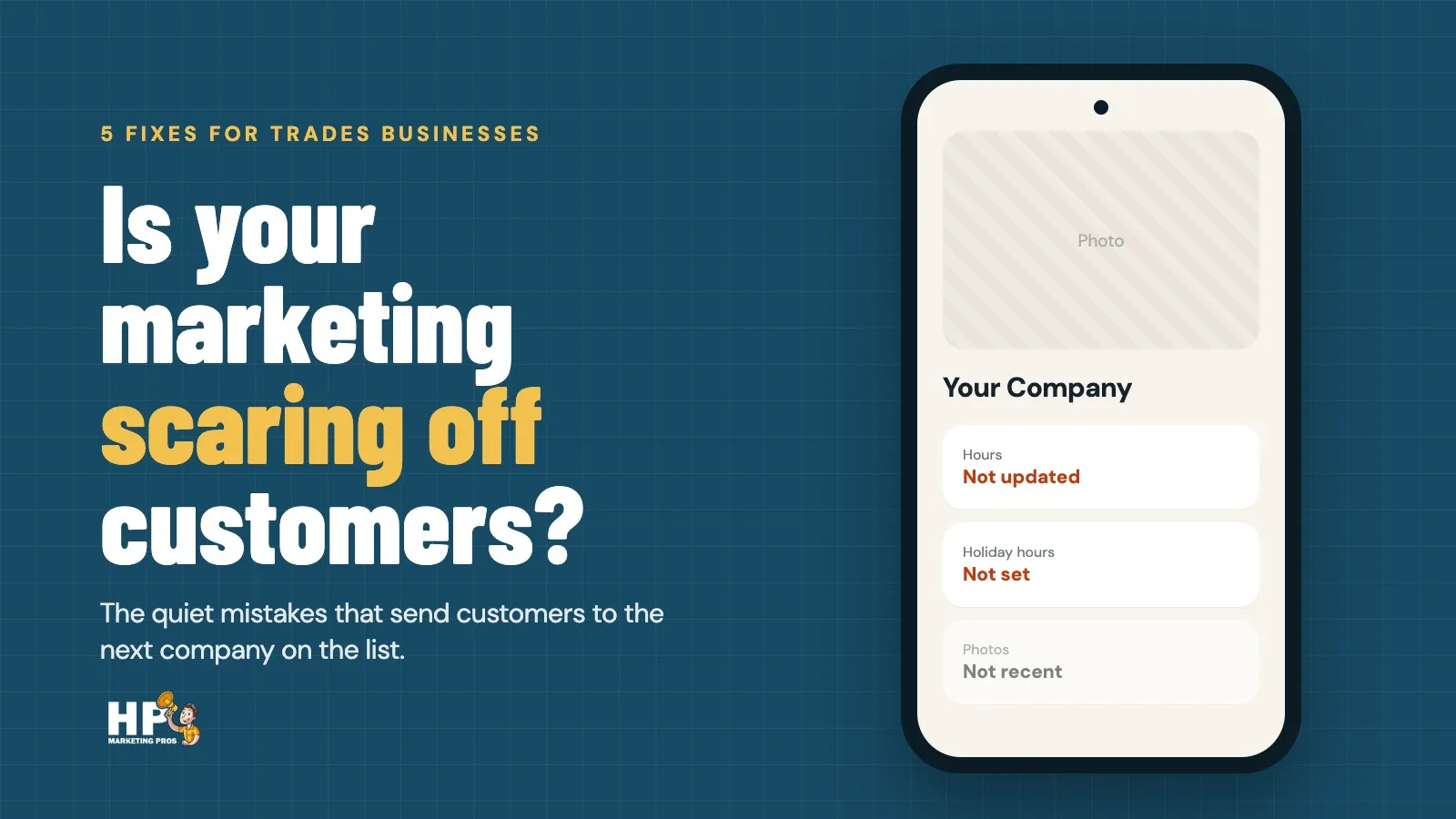
Your Google Business Profile can be the first thing a customer sees, even before your website. When it shows old hours, a disconnected number or photos from years ago, it looks like nobody is home.
Google's own Business Profile help page says customers are 2.7 times more likely to consider a business reputable if they find a complete Business Profile on Google Search and Maps.
The fix:
• Check your hours, phone number, website link, service area and services. Fix anything out of date.
• Add recent photos of your crew, your trucks and your finished work. Google recommends adding photos regularly.
• Set your holiday hours now. Thanksgiving is Thursday, November 26. Google suggests confirming your hours for official holidays even when they are the same as usual, so customers can see your holiday hours are accurate.
3. The Graveyard Review Section: Old or Ignored Reviews
Customers read reviews before they call, and they notice when a business does not answer them. In BrightLocal's Local Consumer Review Survey 2026 of 1,002 US adult consumers, 89% said they expect business owners to respond to reviews, and 42% said they are unlikely to use a business that ignores its reviews entirely.
Recent reviews matter too. In the same survey, 74% said they look for reviews written in the last three months. A page of glowing reviews from years ago does not tell a customer much about how you work today.
The fix:
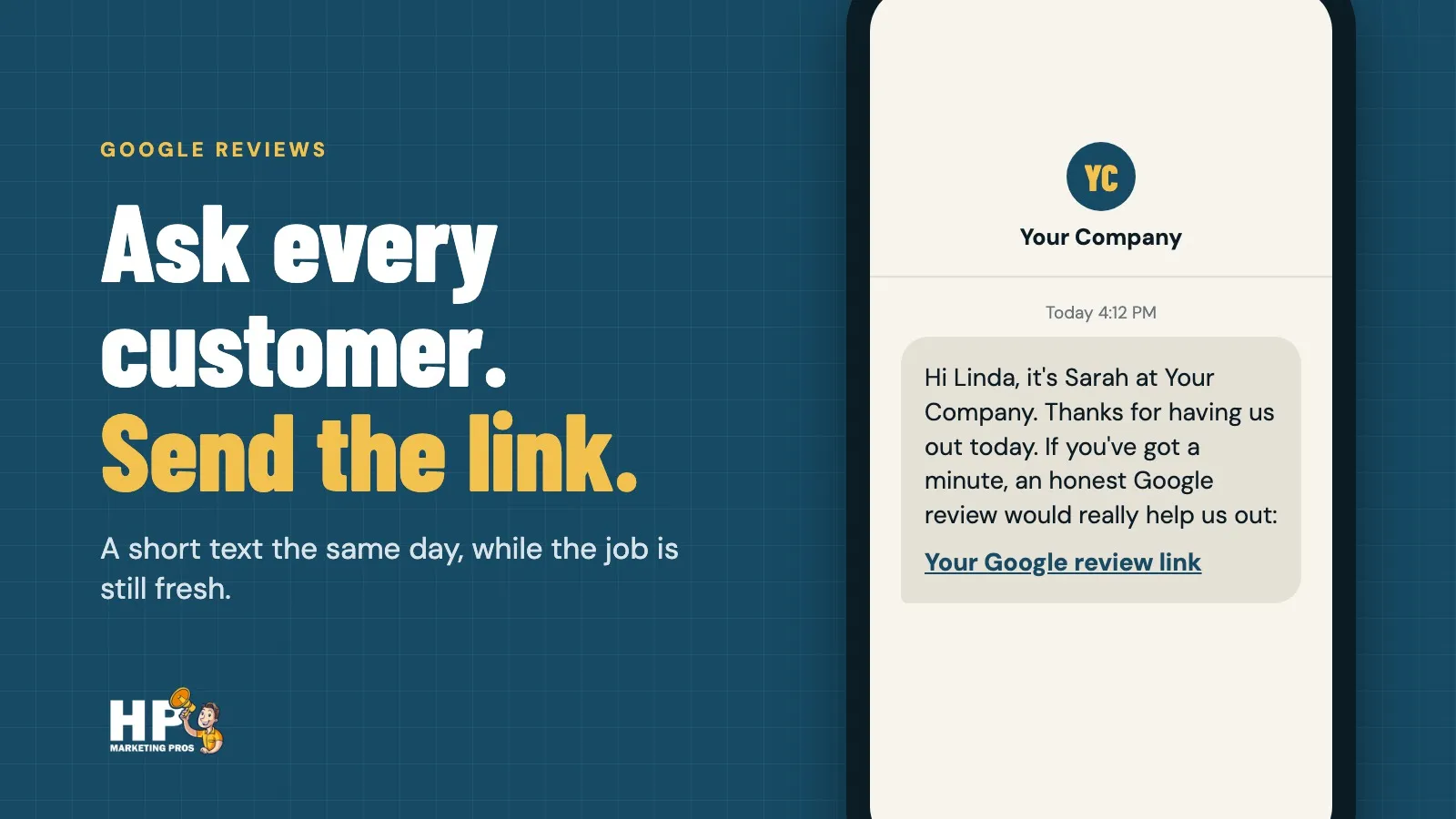
• Ask every customer for a review when the job is done. A text with a direct link to your Google review page makes it easy.
• Ask everyone the same way. Google does not allow asking only happy customers, or offering anything in exchange for a review. If you use a review tool that asks customers to rate you first and only sends the happy ones to Google, turn that feature off.
• Reply to every review, good and bad. Thank people by name and mention the job if they wrote about it, but never share an address or other private details.
• Answer a bad review calmly and briefly, and offer to sort it out offline. Other customers are reading how you handle it.
4. The Mummy Website: Slow and Weighed Down on Phones
Many people looking for a contractor in a hurry are on their phone. If your site takes a long time to show anything, some of them will hit the back button and pick someone else.
Google calls one measure of this Largest Contentful Paint: how long it takes for the biggest image or block of text on the screen to show up. Google's guidance says 2.5 seconds or less is good.
The fix:
• Run your homepage through pagespeed.web.dev and look at the mobile results. The test uses a slower phone and connection than many of your customers have, so treat a red number as a reason to look closer, not a crisis.
• Resize large photos before you upload them. A huge photo at the top of a page can slow everything down.
• Open your site on your own phone. Can you find your phone number, your services and the towns you serve without pinching and zooming?
5. The Invisible Business: A Website AI Tools Cannot Read
Some homeowners now ask ChatGPT or Perplexity who to call. In the same BrightLocal survey, 45% of consumers use ChatGPT and other AI tools for local recommendations, up from 6% a year earlier. If those tools cannot read your website, they have to rely on what other sites say about you, which may be out of date or wrong. A site that blocks AI search crawlers (the programs AI tools send to read websites), or hides its text behind scripts, can be close to invisible to tools like ChatGPT and Perplexity without the owner ever knowing.
We covered this in detail last week in Is Your Website Ready for AI Search? What AEO Means for Contractors, with seven checks you can run yourself.
The fix:
• Check that your site allows AI search crawlers in its robots.txt file, and that your hosting or firewall settings are not blocking them.
• Make sure your services and the towns you serve are written in the page text.
• Keep your business name, phone number and address the same everywhere they appear.
Most of these fixes cost little or nothing. Pick one for this week, and let Halloween be the only scare your customers get.
Frequently Asked Questions
How often should I update my Google Business Profile?
Check it whenever something changes, such as your hours, phone number or services, and set special hours before each holiday. Google also recommends adding new photos regularly.
Can I ask only my happy customers for reviews?
No. Google's policy does not allow selectively asking for positive reviews, or offering discounts, gifts or anything else in exchange for a review. Ask every customer the same way.
Should I reply to negative reviews?
Yes. Keep it short and calm, do not argue the details in public, and offer to sort it out by phone. Many of the people reading your reply are deciding whether to call you.
What is a good page speed for a contractor website?
Google's guidance is that the biggest image or block of text on the screen should show up within 2.5 seconds. You can check your own site for free at pagespeed.web.dev.
Do I need a new website to fix these?
Usually not. Most of these fixes are settings, photos, a voicemail greeting and a few changes to the site you already have. A very slow site, or one whose words only appear after scripts load, may need more work.
Check Your Website for Free
Our free AI readiness report covers mistakes 4 and 5 on your own website, including how your homepage does on a phone. You get a score out of 100, every check explained in plain English, and, where we can, a comparison with up to three competitors, either ones you name or local ones we find, emailed to you as a PDF within 24 hours. It shows what AI tools can read on your site today. It does not measure where you rank. Mistakes 1 to 3 you can check yourself today with the lists above.
Get your free AI readiness report
Would you rather hand all of this to someone else? Get a free growth plan and talk it through with us.

HP Marketing Pros
Practical marketing guidance from a team with decades of experience in and around trades businesses.
Need a hand with this?
Want us to handle this stuff for you?
Stop worrying about marketing and focus on what you do best: running your business.
Let's TalkKeep reading